



This in-depth article focuses on analyzing and presenting the top 10 AI-driven tools for creating presentations. It covers detailed aspects such as ease of use, customization, AI capabilities, integration features, and pricing differences, all aimed at professionals. The goal is to provide an engaging, conversational, and SEO-friendly overview that offers practical advice and inspiration for leveraging these tools in various professional fields.
Introduction
The world of presentations is being reshaped by artificial intelligence. Traditional slide creation is rapidly giving way to dynamic, AI-powered tools that not only streamline the creation process but also empower professionals to deliver visually stunning and impactful presentations. In 2025, AI-driven presentation makers have matured dramatically; with advanced features ranging from native integrations with PowerPoint and Google Slides to intuitive design assistants, these tools help reduce time spent on formatting while enhancing creativity and communication. This article examines the top 10 AI-powered presentation maker tools designed specifically for professionals, outlining their unique features, usability, design capabilities, and pricing models. Whether you are a marketing professional, a sales executive, or a startup founder, our analysis will guide you toward the best choice for your presentation needs.
10. SlidesAI: Streamlined Presentations in Google Slides
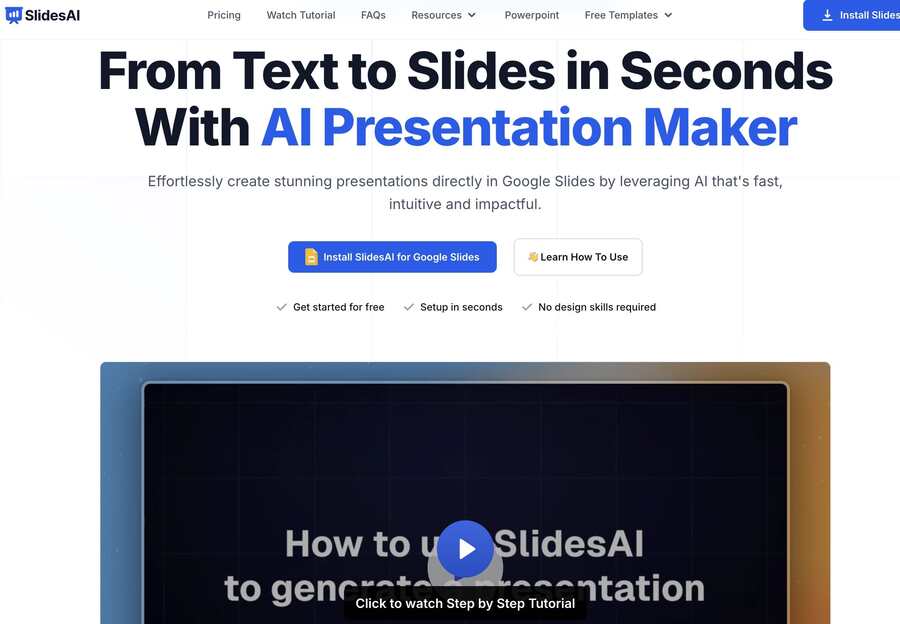
SlidesAI is engineered to function within the Google Slides platform, catering to professionals who prefer cloud-based solutions and collaborative workflows. The tool integrates advanced AI features to turn text into engaging slides.

Key Features
- Google Slides Integration: Effortlessly create presentations within Google Slides, ensuring seamless sharing and collaboration.
- Automatic Slide Creation: Users simply paste their content, and SlidesAI generates a comprehensively formatted slide deck with subtitles and bullet points.
- AI-Powered Summaries: The tool can summarize lengthy texts into digestible slide points, reducing the time spent on manual formatting.
- Real-Time Collaboration: In-built features allow for immediate team collaboration and feedback, further enhancing presentation quality.
Pricing and Availability
- Pricing: Offers a free plan with limited features; premium plans start at $10 per month.
- User Feedback: Highly praised for prompt customer support and ease of use.
Pros and Cons
- Pros:
• Deep integration with Google Slides streamlines workflow
• Generates slides automatically from text inputs
• Excellent customer support and user-friendly design - Cons:
• May require additional reformatting for highly customized presentations
• Limited to Google Slides, potentially excluding users tied to other platforms
SlidesAI is perfect for professionals who favor a collaborative, cloud-based presentation tool with the added benefit of powerful automatic formatting.
9. Adobe Express: Free, Flexible, and Feature-Rich
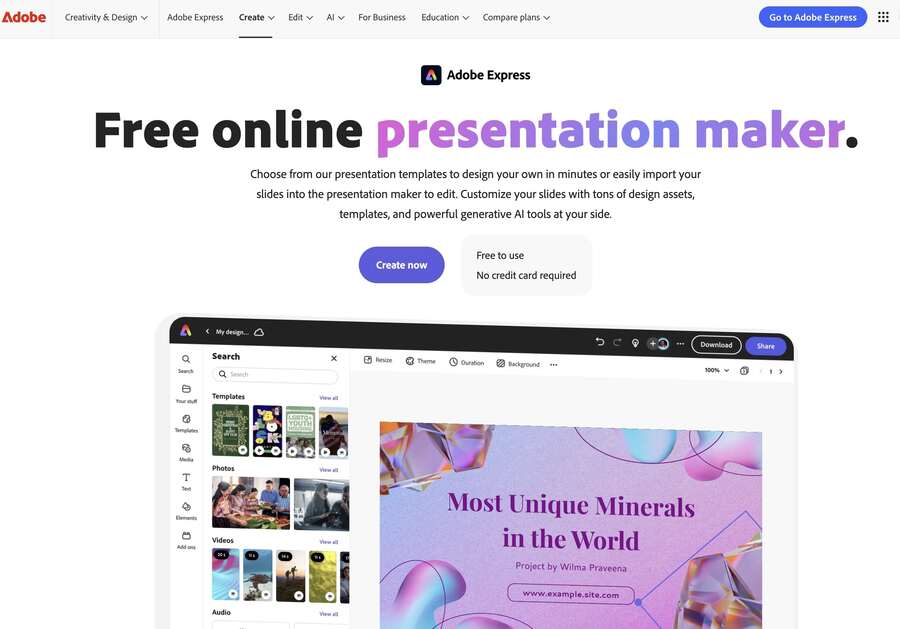
Adobe Express brings the power of Adobe’s design heritage to the realm of presentations with its AI-powered maker. Tailored for professionals across various industries, it offers a versatile platform that effortlessly blends ease of use with robust design features.

Key Features
- Drag-and-Drop Simplicity: Adobe Express features an intuitive interface where users can drag and drop elements to quickly generate engaging slides.
- Rich Design Assets: Users have access to a vast library of Adobe Stock images, graphics, icons, and templates that can be customized to meet their needs.
- Multidevice Access: The platform is optimized for both desktop and mobile use, ensuring that professionals can create, edit, and collaborate on presentations from anywhere.
- Instant Sharing and Export: Presentations can be downloaded as PDFs, presented directly from the platform, or shared in real time, streamlining the approval and review process.
Pricing and Availability
- Pricing: Adobe Express offers a robust free plan, making it an accessible option for professionals on a budget.
- Premium Options: Additional features may be unlocked through paid plans for those needing higher levels of customization and support.
Pros and Cons
- Pros:
• Free and accessible with a wealth of design elements
• Highly flexible for various presentation types and customization
• Easy collaboration and sharing features - Cons:
• May lack some of the deeper AI integrations of more specialized tools
• Primarily focused on ease-of-use, which might oversimplify complex requirements
Adobe Express is an excellent choice for professionals who need a quick, visually appealing solution without the high cost of premium AI presentation tools.
8. Prezi: Dynamic Zooming for Engaging Narratives
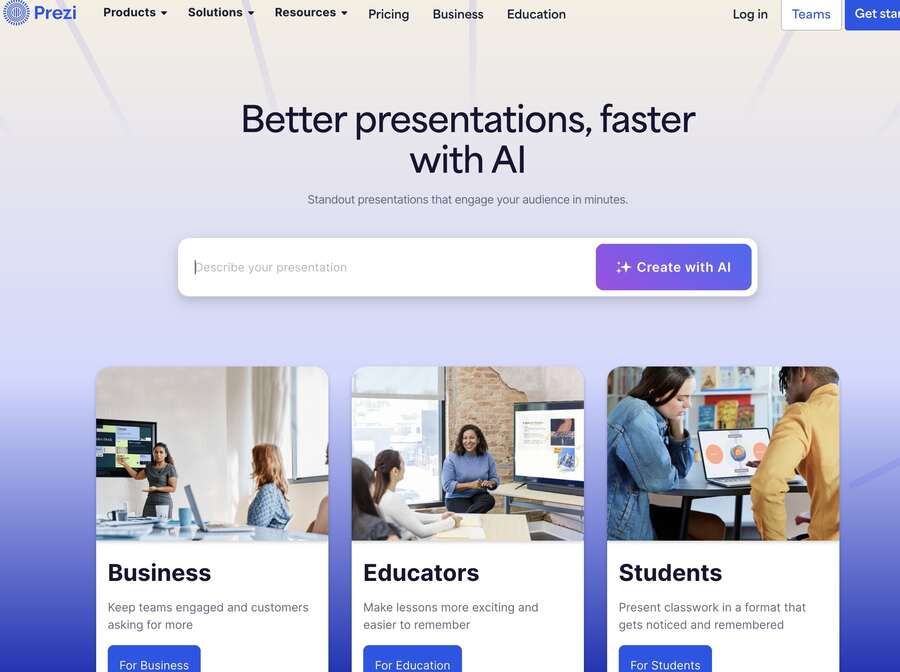
Prezi offers a unique approach to presentations with its zooming and non-linear canvas. Rather than sticking to static slides, Prezi allows users to create interactive, dynamic narratives that keep audiences engaged throughout the presentation.

Key Features
- Zoomable Canvas: Prezi’s robust zooming functionality delivers a dynamic viewing experience, enabling smooth transitions between different sections of the presentation.
- Interactive Storytelling: Its non-linear format supports casual navigation through the content, making complex topics more digestible and engaging for audiences.
- Integrated Collaboration: Prezi is designed for team collaboration, allowing multiple users to work together seamlessly on one master presentation.
- Versatile Usage: Although it introduces a learning curve for users accustomed to linear slide decks, the engaging format of Prezi makes it highly effective for pitches and interactive sessions, especially in creative industries.
Pricing and Availability
- Pricing: Often available from as little as $5 per user per month for basic plans.
- Free Trial: A free trial or demo is typically offered, allowing professionals to assess its innovative features without an immediate commitment.
Pros and Cons
- Pros:
• Highly engaging and dynamic format that breaks away from traditional slides
• Excellent for storytelling and interactive presentations
• Strong team collaboration features - Cons:
• Non-linear format might require a period of adjustment
• May not be ideal for very formal or data-dense presentations
For professionals seeking to capture audience attention with an immersive and interactive platform, Prezi offers a refreshing alternative to conventional presentation tools.
7. Plus AI: The Professional’s Choice
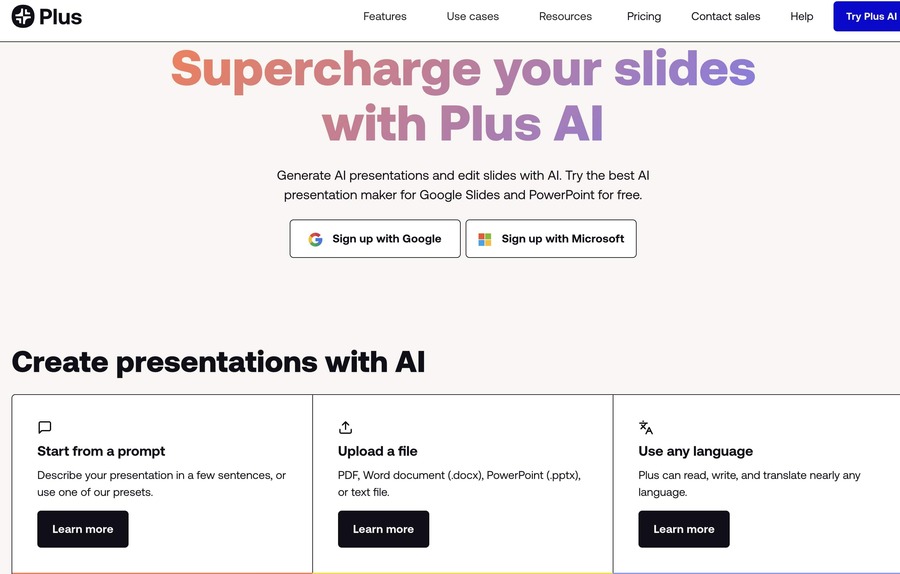
Plus AI has emerged as the clear leader for creating professional-grade presentations. Designed to work natively alongside PowerPoint and Google Slides, Plus AI offers an expansive range of features aimed at professional users.

Key Features
- Native Integration: All slides generated are fully compatible with PowerPoint or Google Slides, preserving your existing workflows without extra conversion steps.
- Content Generation: The tool not only generates full decks based on a simple prompt but also provides features to rewrite and reformat existing slides. This allows users to individually tailor each presentation element.
- Design Enhancement: With innovative features like Remix and Rewrite, Plus AI significantly reduces the manual effort associated with slide formatting.
- Custom Branding: Professionals can infuse their presentations with custom logos, colors, and brand elements, ensuring that their message and visual identity remain consistent.
Pricing and Availability
- Pricing: Starting at $10 per month.
- Free Trial: A 7-day free trial lets users explore and experience the platform before committing to a subscription.
Pros and Cons
- Pros:
• Native integration with popular presentation platforms
• Streamlined process for generating and editing slides
• Robust customization options - Cons:
• May require a learning curve for advanced editing features
• Focused primarily on professional use cases, which might be overkill for simple projects
Given its powerful suite of features, Plus AI is ideal for professionals who need to create presentations quickly while maintaining a high standard of design and coherence.
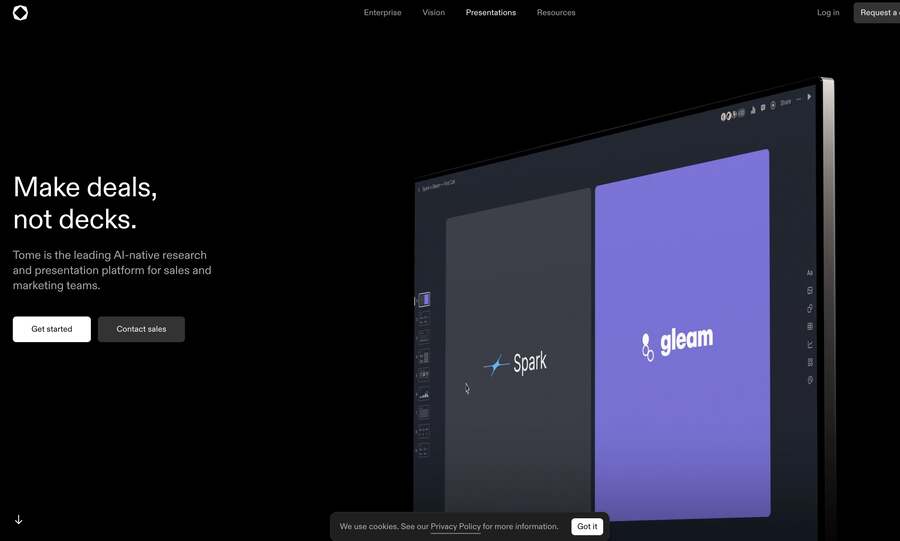
6. Tome: Story-Driven Presentation Innovation
Tome reimagines presentations by focusing on storytelling rather than traditional slide decks. Its approach is ideal for professionals who wish to convey narratives or complex ideas in an engaging, visually appealing manner.

Key Features
- Storytelling Focus: Instead of standard slides, Tome structures content as a narrative, making it particularly effective for storytelling, pitches, and proposals.
- AI-Powered Editing: Tome’s AI assists in rearranging content and recommending flow adjustments to ensure a cohesive storytelling experience.
- Interactive Elements: While optimized for digital storytelling, Tome may be less suitable for situations where a traditional slide format is required, such as in-shareable PowerPoint decks.
- User Experience: The platform offers intuitive editing features that facilitate quick revisions and collaborative input, ensuring the presentation consistently aligns with the narrative.
Pricing and Availability
- Pricing: Typically available through subscription plans tailored to professional storytellers, with options for enterprise users.
- Trial Options: Basic usage may be available at zero or low cost, allowing professionals to test the platform’s narrative capabilities.
Pros and Cons
- Pros:
• Revolutionary approach to presentation design centered on storytelling
• Intuitive editing and collaborative features
• Ideal for pitches, proposals, and narrative-driven presentations - Cons:
• Not ideal for users needing traditional PowerPoint or Google Slides decks
• May require adjustments for compatibility with conventional corporate presentations
Tome is best for professionals looking to break the mold of standard slide creation and engage their audiences with a story-driven format.
5. Pitch: Tailored for Startups and Professional Pitches
Pitch is rapidly gaining traction as a go-to presentation maker for professionals in startup environments and corporate settings alike. It combines an easy-to-use interface with advanced design features, making it ideal for pitch decks, investor presentations, and internal communications.


Key Features
- Professional Templates: Pitch offers a range of modern templates designed specifically for professional pitches and business presentations.
- Collaborative Platform: The tool emphasizes real-time collaboration, enabling teams to work together seamlessly on a single presentation.
- Customizable Elements: Pitch allows for in-depth customization of every element, from slide layouts to detailed graphical components to ensure brand consistency.
- Integrated Analytics: Some versions include tools to track viewer engagement and gather feedback, valuable for refining future presentations.
Pricing and Availability
- Pricing: Pitch’s premium plans start around $25 per user, with a free plan available for basic needs.
- Usage: Particularly popular among startups and enterprise teams looking for a modern, efficient presentation solution.
Pros and Cons
- Pros:
• Ideal for creating sleek, professional pitch decks
• Robust collaborative features to enhance team productivity
• Offers detailed customization and viewer analytics - Cons:
• Some advanced design features may require a learning period
• May be more expensive for individual users compared to basic tools
Pitch is an outstanding option for professionals who require a cutting-edge presentation maker that combines design finesse with collaborative efficiency.
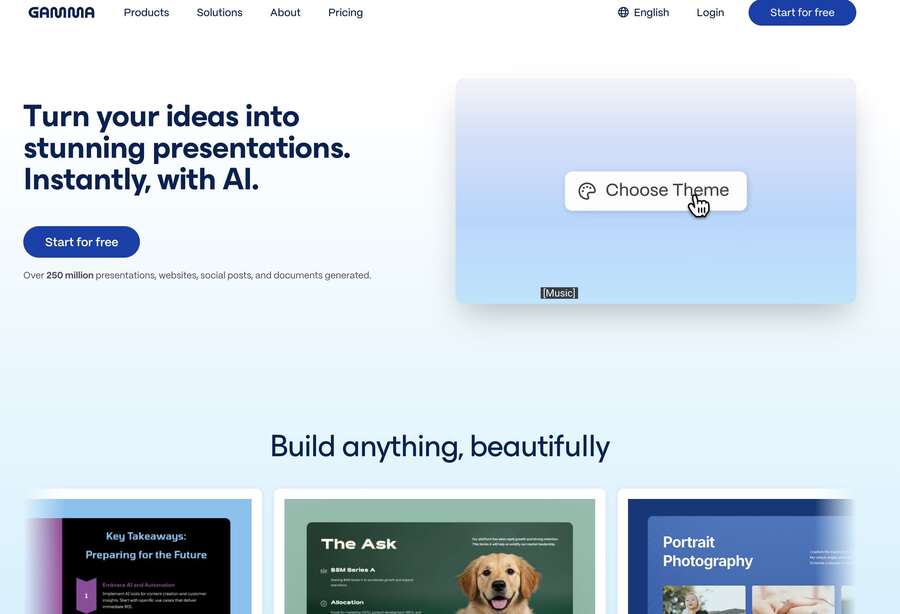
4. Gamma: The Innovator in Non-Traditional Presentations
Gamma disrupts the conventional order of slide-based presentations by offering a novel, non-traditional approach. It is particularly beneficial for those looking to experiment with innovative formats and interactive decks.

Key Features
- Prompt-Driven Creation: With Gamma, users can create entire presentations based on a single prompt, making it highly efficient for generating initial drafts that feel naturally coherent.
- Interactivity and Engagement: The platform supports interactive elements such as live Q&A sessions, embedded polls, and conversion of slides into web pages. These features not only engage the audience but also allow presenters to adapt in real-time during meetings.
- Unique Templates: Gamma provides templates that diverge from traditional slide layouts, offering professionals a creative edge when visualizing data or storytelling.
Pricing and Availability
- Pricing: Typically starting at around $10 per user per month.
- Free Access: Some free credits or a basic plan may be available for initial testing.
Pros and Cons
- Pros:
• Highly innovative and visually engaging designs
• Efficient for brainstorming and quickly generating complete presentations
• Offers interactive and dynamic presentation formats - Cons:
• Export compatibility with traditional formats (like PowerPoint) can be challenging
• May require additional tweaking to align with strict corporate branding guidelines
Gamma is best suited for professionals who desire a break from standard slide layouts while still delivering compelling content.
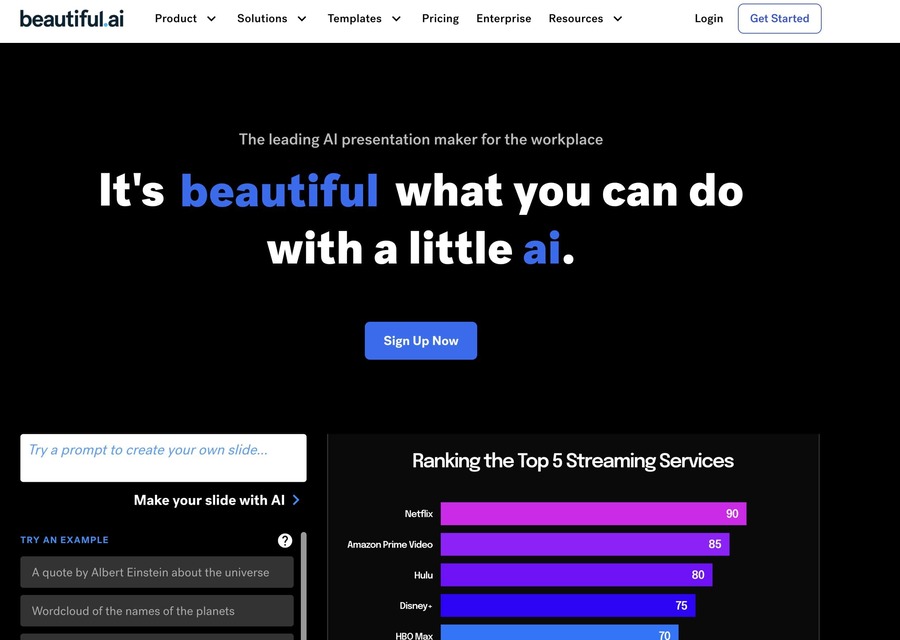
3. Beautiful.ai: Smart Templates and Seamless Designs
Beautiful.ai stands out by automating the design process through smart templates and real-time formatting. This platform is designed for teams and individuals who want to produce visually stunning slides with minimal manual intervention.

Key Features
- Intelligent Templates: The tool employs an AI called DesignBot to automatically adjust layouts and formatting as content is added, ensuring aesthetic consistency throughout the deck.
- Real-Time Design Rules: As you add content, Beautiful.ai applies design rules that ensure your slides remain balanced and engaging, eliminating the need for late-night design tweaks.
- Team Collaboration: The platform supports shared decks and universal design updates, making it an excellent choice for organizations that require brand consistency across multiple presentations.
- Customization Flexibility: Despite its automated design, users can still make fine adjustments to meet their specific needs.
Pricing and Availability
- Pricing: Typically priced at around $40–$50 per user per month.
- Trial Options: A demo or trial period is usually available for teams to evaluate its comprehensive capabilities.
Pros and Cons
- Pros:
• Advanced automated design features leading to polished final outputs
• Excellent for team collaboration and maintaining brand consistency
• Reduces the time spent on pixel-perfect adjustments - Cons:
• Less control over granular design details for advanced users
• Exporting to traditional formats (like PowerPoint) occasionally leads to formatting issues
For professionals who desire a smart, automated approach to slide design without sacrificing quality, Beautiful.ai offers a robust solution enhancing both efficiency and creativity.
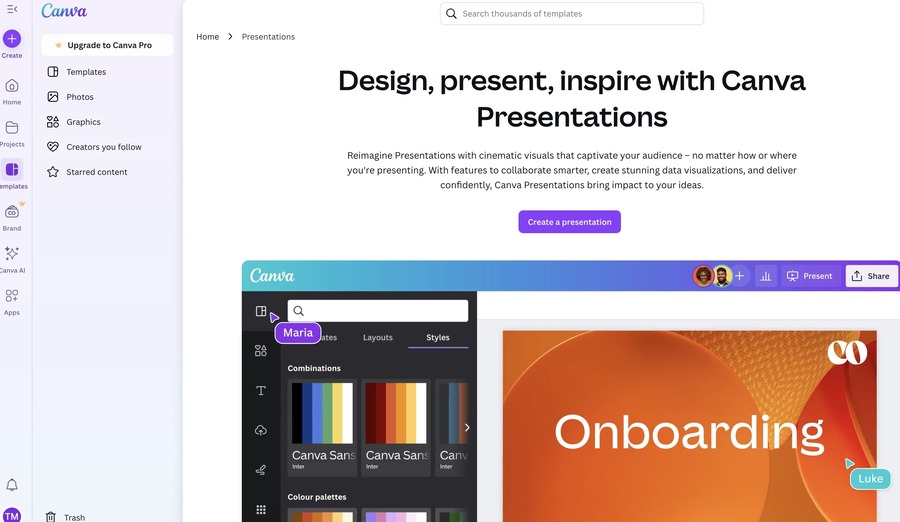
2. Canva Magic Design: Simplicity Meets Creativity
Canva Magic Design leverages AI to simplify the creation process, especially for users who prefer a more design-focused approach without getting bogged down by technicalities. Known for its drag-and-drop functionality, Canva Magic Design is a blend of creativity and practicality.

Key Features
- Prompt-Based Designs: Users can generate a draft deck by simply inputting a short prompt. The AI then creates customizable templates that are immediately ready for further editing.
- User-Friendly Interface: The tool is designed with simplicity in mind, allowing even those with minimal design experience to develop professional-looking slides.
- Brand Consistency: The platform supports real-time branding integration, enabling users to apply custom colors, fonts, and logos across their entire presentation.
- Flexible Editing: Beyond slide generation, Canva supports extensive multimedia integration – from high-quality stock images to dynamic graphical elements.
Pricing and Availability
- Pricing: Offers a free tier with limitations on certain features; premium plans are available for more advanced needs.
- Free Trial: Often available for users to explore the capabilities before committing to a paid plan.
Pros and Cons
- Pros:
• Extremely user-friendly, ideal for those new to design
• Facilitates rapid generation of on-brand presentations
• Flexible editing tools for fine-tuning designs - Cons:
• The prompt character limit (around 100 characters) can sometimes constrain creative input
• May require more manual tweaking compared to fully professional tools for complex presentations
For professionals who value simplicity without compromising on design quality, Canva Magic Design offers an effective balance between ease of use and creative control.
1. Microsoft Copilot: Integrated AI for PowerPoint
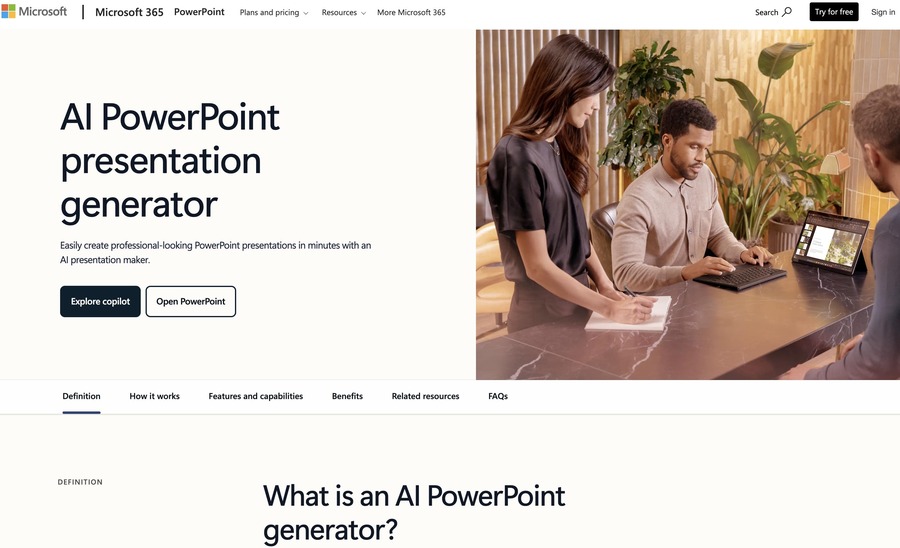
Microsoft Copilot represents Microsoft’s commitment to integrating advanced AI capabilities into their well-established suite of productivity tools. Embedded directly within PowerPoint, Copilot offers a seamless experience for users familiar with the Microsoft ecosystem.

Key Features
- Native PowerPoint Integration: Copilot leverages the familiarity of PowerPoint while bringing AI-driven insights to enhance slide creation.
- Text and Image Generation: The AI suggests text, images, and design elements based on user input, helping to generate a well-rounded presentation without manual effort.
- Chat-Based Interface: Although innovative, the chat interface can be somewhat confusing, with some users finding it challenging to fully understand the available functionalities.
- Consistent Design: Copilot ensures that all slides adhere to a consistent design language, though sometimes at the expense of creativity.
Pricing and Availability
- Pricing: Ranges between $20 to $30 per user per month with annual billing options.
- Free Option: A free tier is available, though with limited AI functionalities.
Pros and Cons
- Pros:
• Seamless integration with Microsoft PowerPoint
• Promotes consistent visual and textual content across slides
• Improved efficiency for users already embedded in the Microsoft ecosystem - Cons:
• The chat-based interface may be less intuitive for some users
• Limited creative flexibility and potential repetitiveness in slide layouts
Ideal for organizations and individuals who rely heavily on PowerPoint and require reliable, AI-enhanced assistance without leaving the Microsoft environment.
Conclusion: Key Insights and Recommendations
In the rapidly evolving digital landscape, AI-powered presentation makers are revolutionizing how professionals prepare and deliver their message. Each tool highlighted in this article offers unique strengths tailored to diverse professional needs:
- Plus AI: Offers native integration with PowerPoint/Google Slides and advanced editing features for professionals who demand precision.
- Gamma: Ideal for those seeking innovative, non-traditional presentation formats with interactive capabilities.
- Canva Magic Design: Perfect for creativity coupled with simplicity, providing rapid on-brand designs with minimal effort.
- Microsoft Copilot: Best for users already embedded in the Microsoft ecosystem, offering seamless AI assistance directly within PowerPoint.
- SlidesAI: A leading choice for Google Slides users, emphasizing automated formatting and collaborative features.
- Beautiful.ai: Delivers smart design automation, ensuring consistently attractive results and effective teamwork.
- Tome: Caters to professionals who prefer story-driven narratives, transforming data into engaging, dynamic stories.
- Adobe Express: An accessible, free option built on Adobe’s rich design heritage, ideal for quick, polished presentations.
- Prezi: Offers a dynamic, zooming interface that breaks the mold of traditional slides, perfect for interactive storytelling.
- Pitch: Tailored for modern business pitches with collaborative features and customizable templates, ideal for startups and corporate environments.
The ideal tool for you will depend on your existing workflow, the level of design creativity you require, and the type of presentation you need to deliver. Professionals are encouraged to take advantage of free trials and demos to determine which tool best complements their presentation style and workplace requirements.
Visual Comparison: Top 10 AI Presentation Tools
| Tool | Best For | Key Feature | Starting Price |
|---|---|---|---|
| Plus AI | Professional-level presentations | Native integration & advanced editing | $10/month |
| Gamma | Innovative, non-traditional decks | Prompt-driven creation & interactivity | ~$10/month |
| Canva Magic Design | Design simplicity and creativity | Drag-and-drop & on-brand templates | Free/Paid options |
| Copilot | PowerPoint users | Seamless Microsoft integration | $20–$30/month |
| SlidesAI | Google Slides integration | Automatic slide generation | Free/$10/month |
| Beautiful.ai | Teams and smart design automation | Intelligent templates & real-time design | $40–$50/month |
| Tome | Story-centric presentations | Narrative-driven design | Varies by plan |
| Adobe Express | Free, flexible design | Drag-and-drop and rich asset library | Free/Paid options |
| Prezi | Dynamic, interactive presentations | Zoomable canvas for engaging narratives | ~$5/month |
| Pitch | Startup and professional pitch decks | Collaborative design and detailed customization | ~$25/month |
Table: Comparative overview of the top 10 AI-powered presentation makers for professionals in 2025.
Process Flow: Choosing an AI Presentation Maker
Below is a Mermaid diagram illustrating a simplified decision process when selecting the best AI presentation tool for your professional needs:
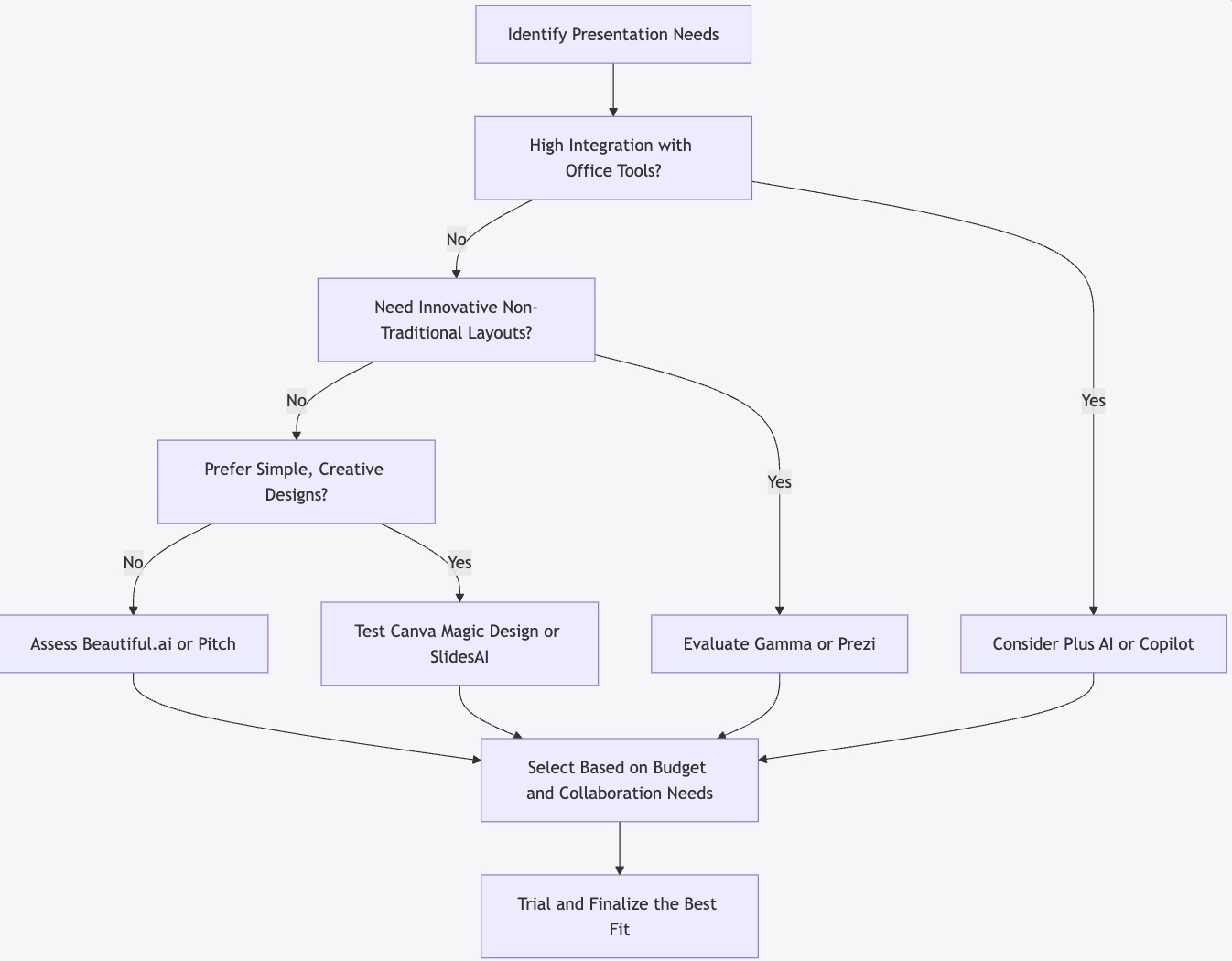

Diagram: A decision flowchart illustrating key considerations for selecting an AI presentation maker.
Sources
- Plus AI Review and Feature Overview – https://plus.ai/blog/best-ai-presentation-makers-2025
- Gamma App Insights – https://gamma.app
- Canva Magic Design Details – https://www.canva.com/magic-design/
- Microsoft Copilot Overview – https://www.microsoft.com/en-us/microsoft-365
- SlidesAI Information – https://www.slidesai.io
- Beautiful.ai Feature Comparison – https://www.beautiful.ai
- Adobe Express Presentation Maker – https://www.adobe.com/express/
In conclusion, the top 10 AI-powered presentation maker tools for professionals in 2025 each bring unique strengths to the table. By understanding the features, pricing, and ideal use cases outlined above, professionals can leverage these state-of-the-art tools to not only streamline their presentation process but also elevate the overall impact of their communications. Whether you require deep integration with existing platforms, innovative design capabilities, or simply an intuitive interface, there is a solution tailored to your specific needs. Experiment with the free trials and demos available, and embrace the future of AI-enhanced presentations.